Key takeaways
- Reviews gained is roughly the number of customers you ask times the share who follow through. For many small businesses the bigger gap is the customers nobody asked.
- Set up once: verify your Business Profile, copy the review link and QR code from Get more reviews, and test the link on a phone.
- Ask every customer at the same moment in the job, send one reminder at most, reply to every review each week and count requests against reviews each month.
- Google prohibits incentives, asking only happy customers, staff review quotas and asking customers to name staff. Fake or incentivized reviews can get your profile restricted.
In this guide
- How to get more Google reviews: the short answer
- What actually moves your review count
- Set up your Google Business Profile and review link
- Which channel fits your business
- A weekly review routine for a small team
- How to get Google reviews fast without risking your profile
- Google's review rules: what's allowed and what's prohibited
- Reply to every Google review
- Troubleshooting: why you're still not getting Google reviews
- Common mistakes that keep review counts flat
- Where Reputation Beam fits
- Keep going
Many owners who want more Google reviews already know they should ask. What goes wrong is the asking: it happens on good days, with the customers who seemed happy, and stops when the shop gets busy. This guide shows how to get more Google reviews with a weekly routine that a business of 1 to 20 people can keep up, and that stays inside Google's rules.
You'll set up your review link once, pick the one moment when every customer gets asked, track requests against reviews each month, and see which shortcuts get reviews removed. The exact words to say and send are in how to ask customers for reviews, with templates, so this guide links there instead of repeating them.
How to get more Google reviews: the short answer
Ask every customer at the same point in every job, with a direct link to your Google review form. Send one reminder at most. Reply to every review you get. Count requests sent and reviews gained each month so you can see where the routine leaks. Never offer anything for a review, and never choose who gets asked.
- 1
Set up once
Verify your Business Profile, copy your review link and QR code, and test both on a phone.
- 2
Ask everyone
The same request at the same moment in every job, with the link sent the same day.
- 3
Remind once
One short reminder a few days later to anyone who hasn't reviewed. Then stop.
- 4
Reply and count
Answer every review each week and tally requests against reviews each month.
What actually moves your review count
Two numbers decide how many reviews you get: how many customers you ask, and the share of them who follow through. Reviews gained is roughly one times the other. For many small businesses the bigger gap is the first: finished jobs where nobody asked at all.
The share who follow through comes down to asking soon after the job, sending a link that opens the review form, and keeping the request short. The best time to ask for a review goes through timing by type of business.
Review count also affects whether people find you. Google's page on local ranking says prominence is "also based on info like how many websites link to your business and how many reviews you have," and adds: "More reviews and positive ratings can help your business's local ranking" (Google Business Profile Help). Do Google reviews help SEO? and how many Google reviews you need go further.
Why steady beats a burst
Every review shows its date, and a profile whose newest review is eight months old tells a reader little about how you work today. A routine that brings in a few reviews each week keeps your newest ones recent. A one-off push leaves a pile from one month, then silence, and it's the kind of push that tempts people toward shortcuts.
Set up your Google Business Profile and review link
Do this once, before you ask anyone.
Verify your Business Profile
Verification proves to Google that you run the business, and it's what lets you manage the profile. Google's review help page is direct about it: "Before you can reply to reviews, you must verify your business" (Manage customer reviews). Google's verification help page lists the methods it may offer, including a video recording, a live video call, a phone call or text, email and mail. It adds that Google chooses the methods automatically and they can't be changed.
Get your review link and QR code
Google gives your Business Profile a link and a QR code that open the review form directly. Its help page on creating a review link or QR code gives these steps:
- Go to your Business Profile at business.google.com.
- Select Read Reviews, then Get more reviews.
- Copy the link with the Copy icon, or right-click the QR code and choose Save image as.
Google notes that review QR codes can currently be made only in a computer browser, not on a phone. How to find your Google review link and the Google review QR code guide cover testing, printing and placing them.
Test it the way a customer would
Google's tips to get more reviews say "Customers must be signed into a Google Account to leave a review," and that they "can set one up with a non-Gmail email address." Open your link on a phone signed in, then signed out, so you know what each customer sees.
One-time setup
0 of 7 done
Which channel fits your business
The best channel reaches every customer without anyone deciding who gets it. For most local businesses that means a short spoken ask, then the link by text or email the same day, with a printed QR code as a backup. Here's a rule of thumb by type of business.
| Business | Where the ask happens | Send the link by | Printed backup |
|---|---|---|---|
| Plumber, electrician, HVAC | At the door, once the work is tested | Text with the invoice | Leave-behind card |
| Roofer, remodeler, painter | At the final walkthrough | Email with the final invoice | Card in the closing folder |
| Cleaner, lawn care, pest control | After the second visit, for every client | Text | Door hanger |
| Dentist, chiropractor, physical therapist | At checkout | Text or email with no visit details | Counter sign |
| Vet, groomer, boarding | At pickup | Text | Counter sign |
| Salon, barber, spa | At checkout | Text | Card at the station |
| Auto repair, tires, detailing | At pickup, after the walkthrough | Text with the invoice | Line on the printed invoice |
| Restaurant, cafe, bakery | With the check or at the register | Receipt line, or text for reservation guests | Table card or counter sign |
| Accountant, lawyer, insurance agent | When the filing or matter is done | Email signature line | |
| Real estate agent | At closing | Email a few days later | Card in the closing folder |
| Gym, yoga or fitness studio | After the first month | Email or text | Sign at the front desk |
Lawyers, accountants and other licensed professionals may have conduct rules about client reviews, so check with your licensing body first.
Only text customers who have agreed to get texts from your business, and give them an easy way to opt out; texting customers for reviews explains the consent rules and STOP replies. Everyone else gets the email or the printed version.
Google's review link help page suggests putting the link on receipts, in thank-you emails, at the end of a chat and on a printed code in your store. Walk-in businesses often have no contact details for most customers, so the receipt line and table card do more of the work there; getting more Google reviews for your restaurant covers that case.
A weekly review routine for a small team
The routine rests on one rule: every customer is asked at the same point in the job, chosen in advance. When the trigger is "the invoice is paid", nobody decides who deserves a request, and nobody forgets on a busy Thursday.
At every job
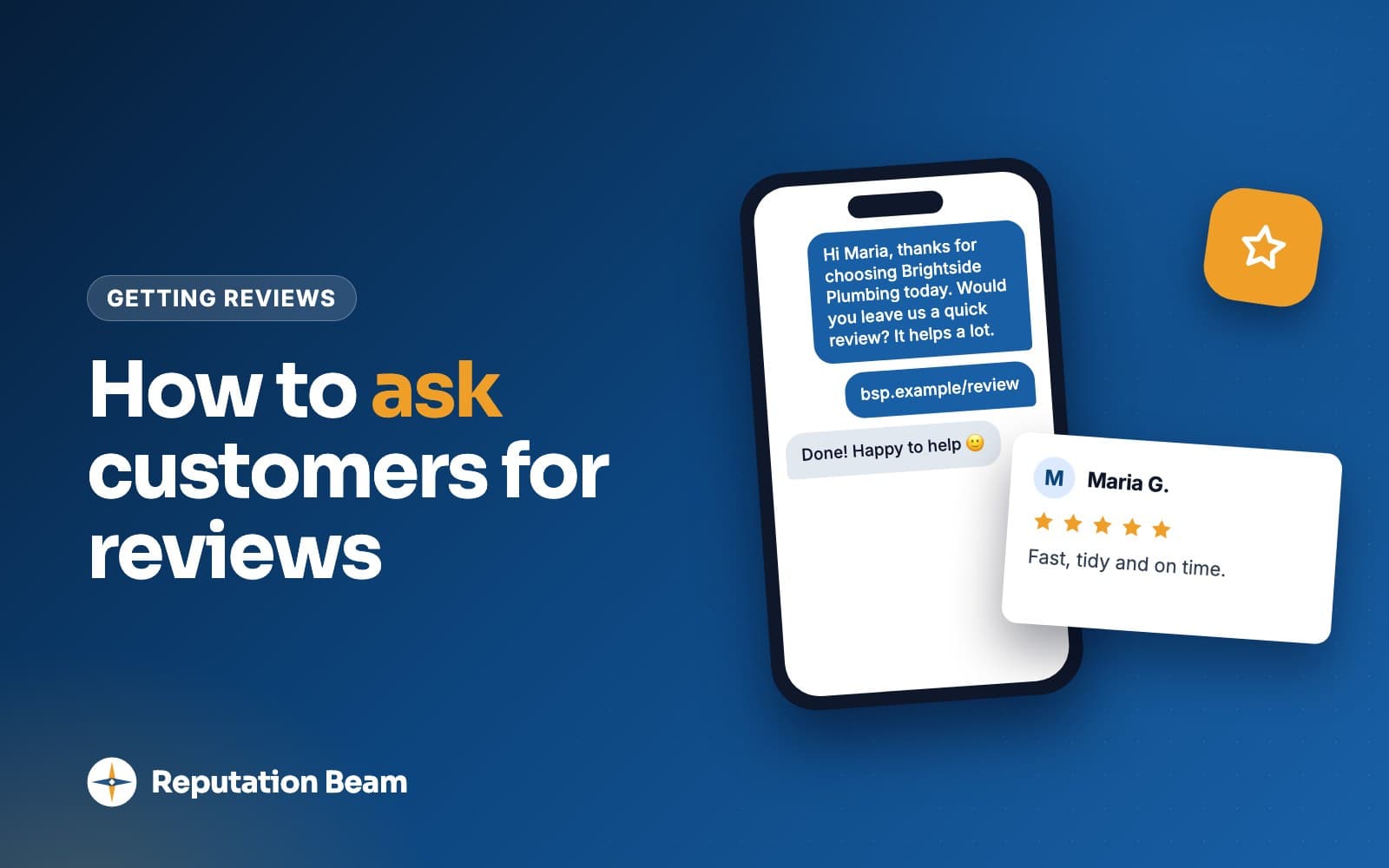
The person who did the work says one sentence and tells the customer the link is coming.
End of each day
About ten minutes: send the link to every customer whose job finished today.
Two or three days later
One short reminder to anyone whose review hasn't appeared. Then that customer is done.
Friday
Reply to every review that came in this week, good or bad.
Last day of the month
Count customers served, requests sent and reviews gained. Fix the biggest leak.
Pick one trigger moment and write it down
Choose a moment that already happens for every customer. Some made-up examples:
- Northside Plumbing sends the request when the technician marks the job complete in the scheduling app.
- Sudsy Paws Grooming asks at pickup, then texts the link that afternoon.
- Cedar Street Dental emails every patient seen that day, the same evening, from the front desk.
- Brightwater Bookkeeping emails the link when a client's return is filed.
- Corner Crumb Bakery prints a review line on every receipt.
Then put it on paper so the whole team does it the same way.
Team sheet: our review routine (pin it up in the back room)
Our review routine at [Business name]
When we ask: [the moment, such as "when the invoice is paid"]. Every customer, every time.
What we say: "[your one-sentence ask]"
How the link goes out: by [text or email], from [which phone or account], by [time] the same day.
Reminder: one, [two or three] days later, only if no review has appeared. Then we stop.
Who replies to reviews: [name], every [day of the week].
Who does the monthly count: [name].
We never offer anything for a review, ask only some customers, ask staff or family to review, set review targets for staff, ask customers to mention a staff member, or suggest what to write.
Who does what, by team size
Solo owner
Just you
You do the work and the ask. Set a daily alarm for the evening send and answer reviews in one sitting a week.
Small crew
3 to 8 people
Whoever finishes the job says the sentence. One person sends every link and reminder before closing, so nothing depends on a technician remembering.
Front desk or dispatch
10 to 20 people
Tie the send to a step everyone already does, such as checkout or the closed work order. A manager replies to reviews and runs the monthly count.
Don't hand out review targets by person. Google's Maps user contributed content policy lists "Merchants requesting that staff solicit a certain number of reviews" under rating manipulation. Measure the routine instead: requests sent against customers served, across the whole team.
One reminder, then stop
A short reminder catches people who meant to review and forgot. More than one feels like pressure, and on text it invites opt-outs. People post under nicknames or initials, so word the reminder to read well either way: "If you've already left one, thank you." The reminder template is in the templates guide.
Track requests sent and reviews gained each month
A tracker turns "we should get more reviews" into a number you can fix. Here are three months for a made-up two-groomer shop.
| Month (example) | Customers served | Requests sent | Reviews gained | Reviews replied to |
|---|---|---|---|---|
| July | 74 | 31 | 5 | 2 |
| August | 70 | 66 | 12 | 12 |
| September | 81 | 79 | 15 | 15 |
Read it as two ratios.
- Requests sent divided by customers served shows whether the routine is happening. In July the shop asked fewer than half its customers; by September, almost everyone.
- Reviews gained divided by requests sent shows whether the request works. Here it stayed around 1 in 5 or 6, so the extra reviews came from asking more people.
If the first ratio is low, look at which days, or whose jobs, went unasked. If the second is low, look at the request: does the link open the review form, does it arrive the same day, is the message short?
Monthly review tracker (copy into a spreadsheet or notebook)
[Month and year]
Customers served: [number]
Requests sent: [number]
Reviews gained on Google: [number]
Reviews replied to: [number] of [number]
Biggest leak this month: [days, people or steps where nobody was asked]
One fix for next month: [what we'll change]
How to get Google reviews fast without risking your profile
The fastest honest way is to email your direct review link once to every customer from the last few months, with nobody picked out or left off, and start the same-day routine that week. From then on, every customer gets asked at the same moment. Shortcuts such as rewards or reviews from people you know put your profile at risk.
Speeds things up and stays within the rules
- One email to every customer from the last few months
- Sending the link the same day, starting this week
- A QR code at the counter, on receipts and on invoices
- One sentence the whole team says at the same moment
- Fixing a link that opens your Maps listing instead of the review form
Gets reviews removed or your profile restricted
- Discounts, freebies, prize draws or any reward for a review
- Reviews from staff, family or business partners
- Trading reviews with other local businesses
- Buying reviews or posting them from extra accounts
- Asking only the customers who seemed happy
The catch-up email template is in the templates guide. If you've just opened, read how to get Google reviews for a new business.
Google removes reviews that break its policies, and its page on Business Profile restrictions says it takes "fake and/or incentivized reviews and ratings on businesses very seriously" and may restrict a profile where it finds them. A shortcut can cost you the reviews you earned honestly.
Google's review rules: what's allowed and what's prohibited
Google allows businesses to ask for reviews. Its Maps user contributed content policy says merchants may solicit "content that does represent a genuine experience, without offering incentives," and without trying to influence the rating or what the review says. The same policy lists what merchants must not do.
| Tempting tactic | What Google's policy says | Do this instead |
|---|---|---|
| A discount, freebie or prize draw | No incentives "in exchange for posting any review" | Thank every customer the same way, review or not |
| Ask only customers who seemed happy | No "selectively solicit positive reviews" | Ask every customer at the same moment |
| "Call us first if you weren't happy" | No discouraging negative reviews | Send the link and let each customer decide what to write |
| A review target for each staff member | No "requesting that staff solicit a certain number of reviews" | Track requests sent across the team |
| "Mention your technician by name" | No asking staff to solicit "content that identifies a staff member" | Thank them for the visit and leave the words to them |
| Asking for the review on your tablet before they leave | No requiring or pressuring reviews "while on the premises" | Hand over a card or send the link |
| Suggested wording for the review | No asking "that specific content be included" | Ask for an honest review |
| Reviews from staff, family or partners | Removed as a conflict of interest | Ask customers only |
Four of those rows come from lines Google added early in 2026: the two staff rows, pressure on the premises and suggested wording. Copies of the policy page saved by the Internet Archive on February 15, 2026 and February 24, 2026 show them appearing between those dates, and Search Engine Roundtable reported the staff lines as new in April. If your team has a review leaderboard, or your cards say "mention your stylist by name", retire both. Staff can't review the business themselves either: Google's policy says a conflict of interest "may include current or former employment." See can employees leave Google reviews?, can you offer incentives for Google reviews? and the Google review policy guide.
Advice you'll see elsewhere that crosses the line
Some guides to getting more reviews suggest tactics that run into these rules.
Before
Send a quick satisfaction form first, then invite only the happy customers to review.
After
Send everyone the same review request. If you want feedback too, collect it separately and don't use it to decide who gets the link.
Google's policy prohibits selectively soliciting positive reviews.
Before
Ask your vendors and business partners for reviews.
After
Ask the customers who used your service.
Google lists a contractual relationship and professional affiliations among possible conflicts of interest.
Before
Give customers suggested wording so the review is easy to write.
After
Ask for an honest review and leave the words to them.
Google says merchants should not request that specific content be included.
Before
Check in about problems first, and ask for a review only once they're resolved.
After
Fix problems because it's right, and send every customer the same request on the same schedule.
Holding the request back from unhappy customers is the selective asking Google's policy prohibits.
The FTC says the same about selective asking. Its guide to soliciting and paying for online reviews says: "Don't ask for reviews only from customers you think will leave positive ones." Its rule on consumer reviews took effect on October 21, 2024, and courts can impose civil penalties for knowing violations (FTC questions and answers). The FTC fake review rule explains what it covers. This is general information, not legal advice. State laws add their own rules, so talk to a lawyer about anything that matters to your business.
A note on Yelp
Yelp's content guidelines say "Businesses should never ask customers to write reviews," so this routine is for Google only. Leave Yelp links out of your requests.
Reply to every Google review
Google's tips page says: "As best practice, reply to reviews and share your perspective." Replies are public, and the next customer reads them as a sample of how you treat people. Answer on one fixed day each week.
The same page asks owners to "avoid using your response to offer deals or promotions" and to "Never share a reviewer's private information or engage in personal attacks." Replies are checked against Google's content policies before they appear, and Google's review management page says: "Replies usually take up to 10 minutes to review, but sometimes a review can take up to 30 days." Here are two made-up reviews with replies.
Marisol T.
GoogleOrdered a birthday cake two days out and they made it work. Exactly what we asked for.
Reply from Corner Crumb Bakery (example)
Thank you, Marisol. We're glad the cake came together for the party on short notice. See you next time.
Dev P.
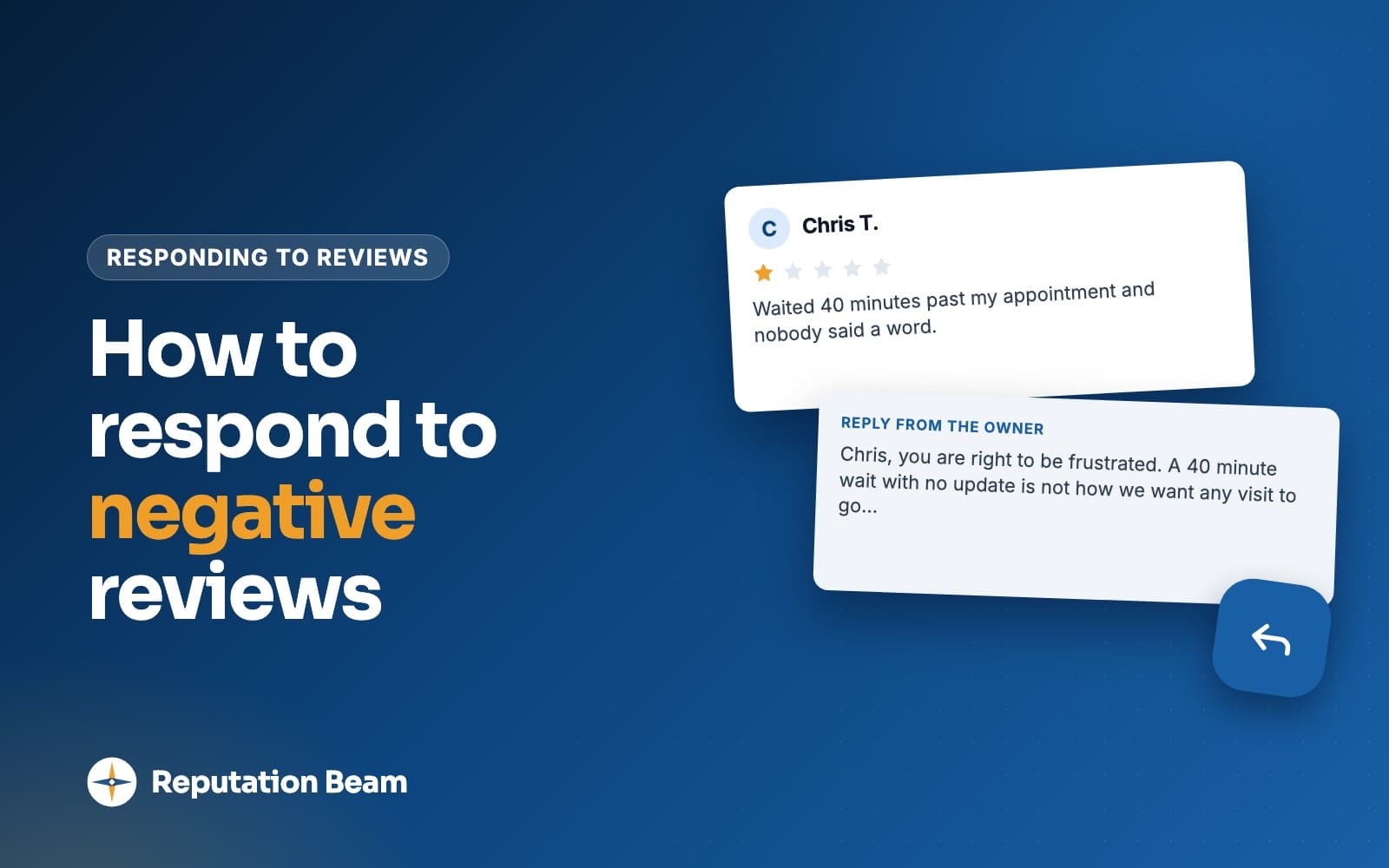
GoogleThe tech was polite and fixed the AC, but showed up three hours after the window we were given and nobody called.
Reply from Owner, Northside Heating and Air (example)
Dev, you're right, and I'm sorry. A three-hour wait with no call is not how we want to work, and dispatch now calls whenever a technician runs late. If anything still isn't right, call me at the office.
For more examples, see how to reply to Google reviews, how to respond to negative reviews, how to respond to positive reviews and replying to a star rating with no comment.
Troubleshooting: why you're still not getting Google reviews
Link
Customers say the link doesn't work
Usually they aren't signed in to a Google Account. If the link opens the wrong business or your Maps listing, copy a fresh one from Get more reviews.
Timing
Lots of yeses, few reviews
The link is arriving late or not at all. A yes at the counter fades by evening unless the link is already on their phone.
Routine
Staff keep forgetting to ask
Tie the trigger to a system step, such as the paid invoice, and have one person send every link before closing.
Removed
A review you saw is gone
Google removes reviews it finds break its policies. Google reviews not showing up covers the usual reasons.
Fake
A review looks fake
Google's tips page says you can flag a review you believe violates its content policies. See how to respond to fake reviews on Google and how to remove a Google review.
Common mistakes that keep review counts flat
A flat review count often comes from a routine that runs some days and not others.
Do
- Ask at one fixed moment in every job
- Send the link the same day
- Send one reminder that reads well if they already posted
- Reply to every review on a set day
- Count requests against customers served each month
- Keep a printed QR code where customers pay
Avoid
- Asking only on slow days, or only regulars
- Saving requests for a monthly batch
- Running a review contest or a staff leaderboard
- Sending people to your Maps listing to hunt for the button
- Asking three times about the same visit
- Letting replies pile up for weeks
Where Reputation Beam fits
The routine above works with a phone, a spreadsheet and a printed card. Reputation Beam handles the sending: you add customers one at a time or import a CSV file, and each customer's permission to be texted is recorded. Requests go out from the dashboard using templates with placeholders for the customer's name, your business name and the review link, and each link expires after 72 hours. The default text ends with "Reply STOP to opt out." If you book through Square, a request can go out after an appointment, and replies to Google reviews can be posted from the dashboard. Reputation Beam sends requests by text and email, each with its own link, and shows Google and Yelp reviews in one feed.
Keep going
For the words to use, start with how to ask customers for reviews, which has text, email and in-person scripts. Guides for specific trades cover the trigger moments and channels in more detail: dental practices, HVAC companies, auto repair shops, salons and realtors. Before you text anyone, read the rules for texting customers.
Questions people ask
How can I get Google reviews fast?
Email every customer from the last few months once, with nobody picked out or left off, and include your direct review link. Then send the link the same day after every job and put a QR code at the counter. The speed comes from asking more of the people you already serve. Buying reviews, rewards and reviews from staff or family get reviews removed and can restrict your profile.
Is it against Google's rules to ask customers for reviews?
No. Google's Maps content policy allows merchants to ask for reviews that represent a genuine experience, as long as they offer no incentive and don't try to influence the rating or what the review says. What Google prohibits is asking only the customers you expect to be happy, discouraging negative reviews, pressuring people to review while on the premises and asking for specific content. Ask every customer the same way.
Can I offer a discount for a Google review?
No. Google's policy prohibits offering incentives such as payment, discounts, free goods or services in exchange for posting any review, positive or negative, or for changing or removing a negative one. The FTC's rule separately bars incentives tied to a review expressing a particular sentiment. If you want to thank loyal customers, do it for everyone, in a way that has nothing to do with reviews.
Do I need to verify my Google Business Profile to reply to reviews?
Yes. Google's help page on managing reviews says that before you can reply to reviews, you must verify your business. Verification also lets you edit your business information. Google's verification page lists the methods it may offer, including a video recording, a live video call, a phone call or text, email and mail. Verify first, then copy your review link from Read Reviews, then Get more reviews.
Can my employees ask customers for Google reviews?
Yes, as long as they ask every customer the same way. Google's policy says merchants must not ask staff to collect a certain number of reviews, or to solicit reviews with specific content, including content that identifies a staff member. So skip review targets and 'mention my name' cards. Employees shouldn't review the business themselves either, because Google removes reviews based on a conflict of interest.
Should I reply to every Google review?
Google's tips page says that as best practice you should reply to reviews and share your perspective. Replies are public, so the next customer reads them before calling you. Pick one day a week to answer every new review. Thank people specifically for positive ones and answer negative ones calmly, with an offer to help. Leave out deals, promotions and any private details about the customer.
Why did some of my Google reviews disappear?
Google removes reviews that break its content policies, including fake reviews, reviews based on a conflict of interest and reviews posted in exchange for an incentive. If Google finds fake or incentivized reviews on a profile, it can also unpublish the profile's existing reviews for a set period or stop it receiving new ones, and it says it emails the owner first. Businesses can appeal a restriction.
Was this guide helpful?
Get the free review request checklist and new guides
Twenty checks to run before you ask customers for reviews, as a one-page PDF. After that, a short email when new guides go up, at most once a week.