Key takeaways
- Start verifying your Google Business Profile before you open. Google says you must verify before you can reply to reviews, and some methods take days or weeks.
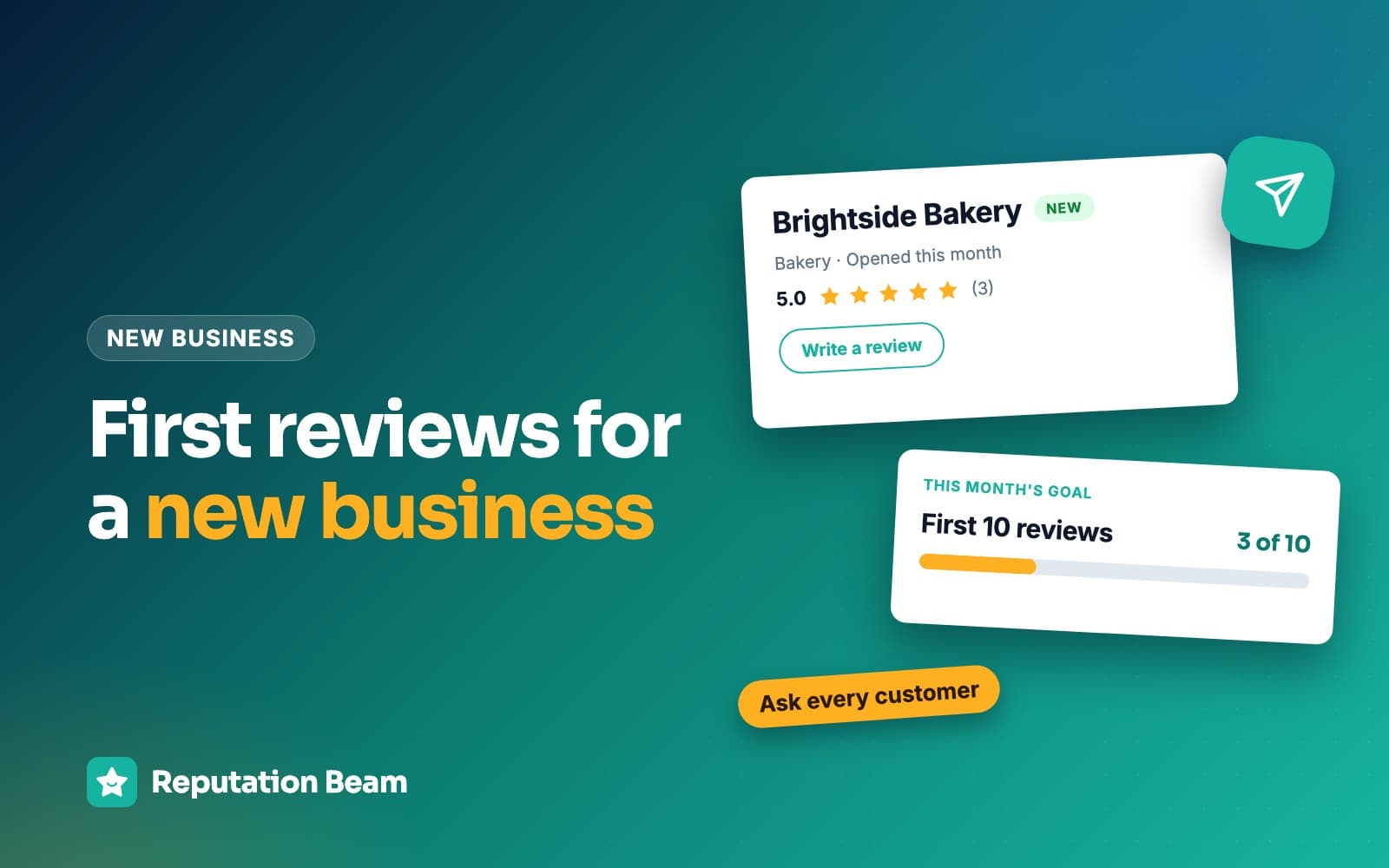
- Your first reviews come from your first paying customers. Ask every one of them the same way from day one, in person and with your direct review link.
- Skip the shortcuts that tempt new owners: reviews from friends, family or staff, swaps with other business owners and discounts for reviews. Google removes them and can restrict your profile.
- Expect a slow start, reply to every review as it arrives and judge the month by how many customers you asked.
In this guide
- How to get Google reviews for a new business: the short answer
- Before you open: verify your profile and get your review link
- Week 1: how to get your first Google reviews from your first customers
- Week 2: add the ask to invoices, receipts and follow-up texts
- Week 3: catch up with every customer you missed
- Reply to every early review
- What not to do when you have zero reviews
- How long it takes to get your first Google reviews
- The first 30 days at five new businesses
- Common mistakes in a new business's first month
- Where Reputation Beam fits
- Keep going
A new business starts with an empty review section, and that is exactly when the shortcuts look most tempting. This guide is a week-by-week plan for how to get Google reviews for a new business in its first 30 days, from verifying your profile before opening day to replying to the first review that comes in.
It covers what to set up before you open, who to ask in week one, how to put the ask on receipts, invoices and texts, and the shortcuts that seem harmless when you have zero reviews, along with what Google does when it finds them. The examples follow five made-up businesses: a new plumbing company, a dental office opening its doors, a salon, a food truck and a newly licensed real estate agent.
Most of the plan also answers how to get reviews for a small business that has been open for years. For the full method of asking, with templates for many more kinds of business, read how to ask customers for reviews alongside this one.
How to get Google reviews for a new business: the short answer
Verify your Google Business Profile before you open and copy your review link and QR code. From your first day, ask every paying customer in person and send the link the same day by text, email or receipt. Reply to each review as it arrives. Leave out friends, family, staff, review swaps and discounts for reviews.
- 1
Verify your profile
Start before opening day. Google requires it before you can reply to reviews.
- 2
Get your review link
Copy the link and save the QR code from your Business Profile.
- 3
Ask every customer
Same words, same day, with the link. No picking and choosing.
- 4
Reply to every review
Good or bad, within a day or two, in a few specific sentences.
Your first reviews come from the same place as your hundredth: real customers who were asked at the right moment and given a link that makes it easy. A new business has one advantage here. You probably see nearly every customer yourself, and "we just opened" is an honest, ordinary reason to ask.
Before you open
Start verification, set an opening date if you are not open yet, copy your review link and print the QR code.
Week 1
Ask every customer at the end of the visit and send the link the same day.
Week 2
Put the ask on receipts and invoices, and text the link to customers who agreed to texts.
Week 3
Send one catch-up email to every customer who was missed, and give your team one sentence to use.
Week 4
Compare customers asked with reviews received, and fix whichever step is leaking.
Every day
Reply to each new review within a day or two.
Before you open: verify your profile and get your review link
Two jobs come before your first customer: verifying your Google Business Profile and copying your review link and QR code. Start verification weeks ahead if you can, because it can take a while.
Verify your Google Business Profile
Verification proves to Google that you run the business you are claiming. Google says "Before you can reply to reviews, you must verify your business" (Google Business Profile Help), and you also need it to edit your business info. Google's page on verifying your business lists the methods below, and says "Verification methods are automatically determined by Google and can't be changed."
| Method | What happens | Watch out for |
|---|---|---|
| Phone or text | Google sends a code by call or text | Google says automated phone menus (IVR) won't get the code |
| Google sends a code by email | You must be able to use the address shown on screen | |
| Live video call | A support rep guides you while you show the location and proof you run it | Only during your location's business hours, and not offered to every business |
| Video recording | You record a video, if your business is eligible | Google recommends it when it's offered |
| Postcard | A code is mailed to your address | Not offered to every business; most arrive within 14 days and codes expire after 30 days |
Once you've submitted, Google says verification reviews take up to 5 business days, and on rare occasions longer.
Opening soon? Set an opening date
If you are setting up before you open, Google lets you add a business opening date up to one year ahead. Google says that after you enter the date and verify, your profile shows up on Google 90 days before opening, and you can post about the opening and share photos of the build-out. It also says customers can't post reviews or photos until you officially open.
Service-area businesses and individual agents
If you work at customers' homes, like a plumber or a cleaner, Google's Business Profile guidelines say "If you're a service-area business, you should hide your business address from customers." The same guidelines name "insurance or real estate agents" as individual practitioners, who can have their own profile when they work in a public-facing role and can be reached at the verified location during stated hours. New agents should check their brokerage's policy too.
Get your Google review link and QR code
Your review link opens the review form for your business directly, so nobody has to search for you. Google's help page on creating a review link or QR code gives these steps:
- On a computer, open your Business Profile.
- Select Read reviews, then Get more reviews.
- To get the link, select Copy. To save the QR code, right-click it and choose Save image as.
Google notes that review QR codes can only be generated in a computer browser for now, not on a phone. There is more on both in finding and testing your Google review link and making and placing a review QR code.
Do three things with the link before your first customer walks in:
- Open it on your own phone to check it lands on the review form for the right business.
- Save it as a text shortcut or a note on every phone that will send requests.
- Print the QR code for the counter, the checkout desk, a leave-behind card or the truck window.
Customers need a Google Account to post. Google's tips for getting more reviews say "Customers must be signed into a Google Account to leave a review." If an early customer says the link didn't work, ask whether they were signed in.
Where your link goes in the first month
- Text after the visit
- Thank-you email
- Receipts
- Invoices
- Counter or window sign
- Leave-behind card
- Email signature
- Website footer
Ask for Google reviews only. Yelp's content guidelines say "Businesses should never ask customers to write reviews," and one link means one decision for the customer.
Week 1: how to get your first Google reviews from your first customers
Ask every paying customer at the end of the visit, in one or two sentences, and send the link the same day. Being new is a genuine reason to ask and most people understand it. Ask the first customer the same way as the fortieth, whether or not the visit went perfectly.
Your first customers are the paying soft-opening guests, the first jobs, the first patients. Google's policy allows businesses to "solicit or encourage the posting of content that does represent a genuine experience," as long as they don't offer incentives or try to influence the rating or what the review says (Maps user contributed content policy). A genuine experience is what your first customers have. Leave out friends, relatives, staff and other owners; the reasons are later in this guide.
At a food truck window or a salon chair, the ask is one sentence and the link does the rest. Here is a made-up exchange at a new food truck.
You
Here you go, two pork buns and a lemonade. We just started this month, so we're asking everyone: would you leave us an honest review on Google? The code's on the window.
Customer
Sure, I'll scan it while I wait for my friend.
You
Thanks. We're at this corner Tuesdays and Thursdays.
For trades and appointment businesses, the spoken ask comes first and a text follows with the link. Here is the first-week text from a made-up plumbing company, taken apart.
- 1
Hi Teresa,
Greeting by name
Use the name they booked with.
- 2
it's Omar from Northgate Plumbing.
Who is asking
A new business is a number they don't know yet. Name yourself first.
- 3
Thanks for having us out to replace your water heater today.
Thanks for the job
One detail, in the customer's words. Leave out the price.
- 4
We opened this month, and reviews help neighbors find us.
Why now
Honest and true for every customer, so it adds no pressure.
- 5
Would you leave an honest review on Google?
The ask
No star count and no hint about what to write.
- 6
northgateplumbing.example/review
One link
Your direct review link.
- 7
Reply STOP to opt out.
How to stop texts
Text only customers who agreed to texts, and always include this line.
Week 2: add the ask to invoices, receipts and follow-up texts
Put one line and your link on every receipt and invoice, so every customer sees the same request whether or not anyone remembered to say it. Text the link to customers who agreed to receive texts from you, and email the rest. After this week, asking no longer depends on anyone's memory.
Before you text anyone, read the rules for texting customers on permission and STOP replies. Replace everything in square brackets before you send.
Receipt or invoice line (any new business)
Thank you for being one of our first customers at [Business name]. We'd be grateful for an honest review on Google: [short review link]
Text: salon or barber, first weeks
Hi [First name], thanks for coming in to [Business name] today. We've just opened, and reviews help new clients find us. Would you leave an honest review on Google? [review link] Reply STOP to opt out.
Text: new dental or medical office
Hi [First name], thank you for visiting [Practice name]. We're a new practice, and we'd appreciate an honest review on Google if you have a minute: [review link] Reply STOP to opt out.
Window or counter sign (food truck, cafe, shop)
New in the neighborhood
We opened in [month]. If you have a minute, scan the code and leave us an honest review on Google. It helps people find us.
[QR code]
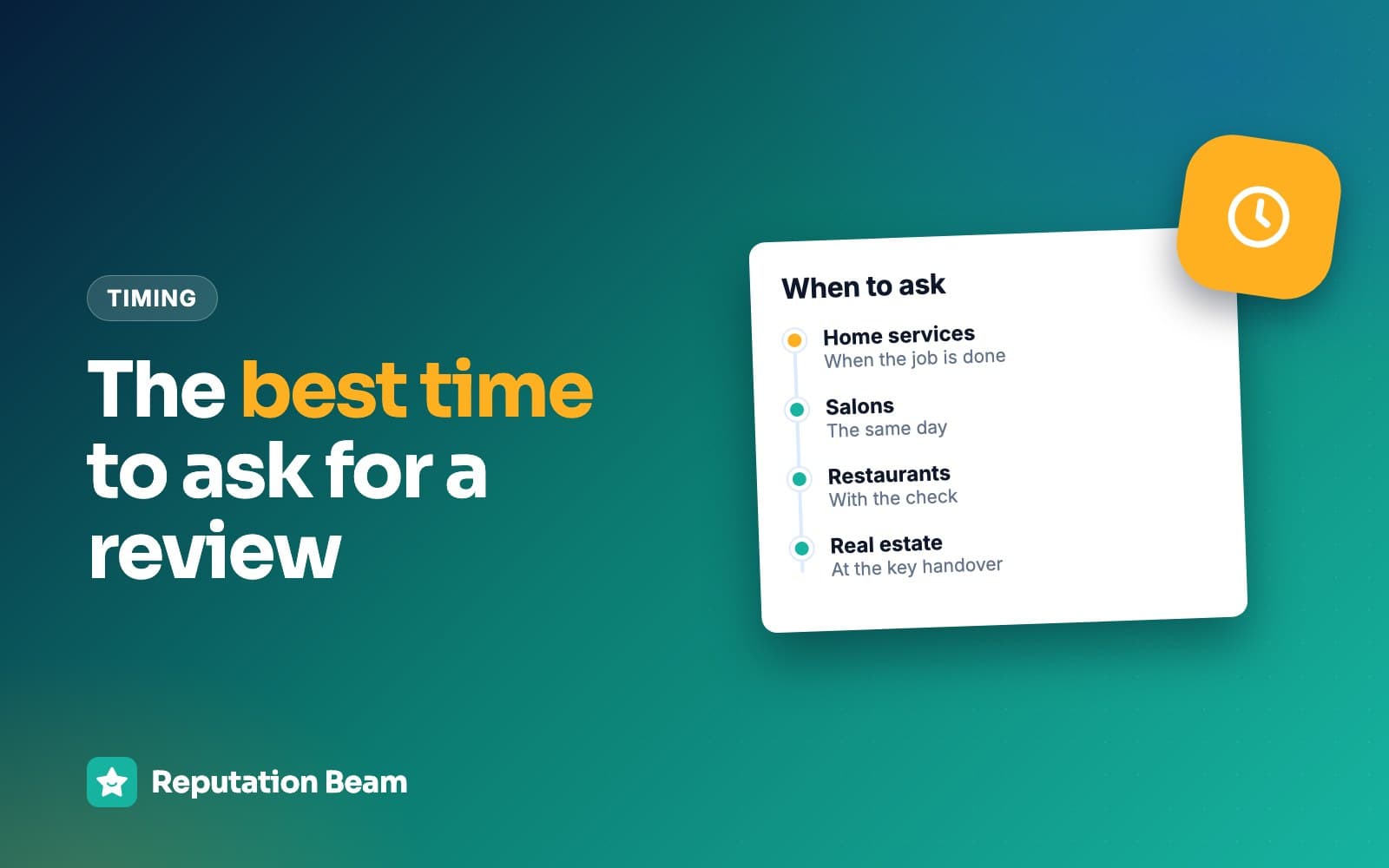
A common rule of thumb is one short reminder with the same link two or three days after the first text, then no more. The best time to ask for a review has timing for more kinds of business.
Week 3: catch up with every customer you missed
Some customers will have slipped through in the opening rush. Send one email to every customer on your list who wasn't asked, all of them, then go back to asking after each visit. The catch-up reaches everyone who was missed, and nobody who was already asked gets a second request from it.
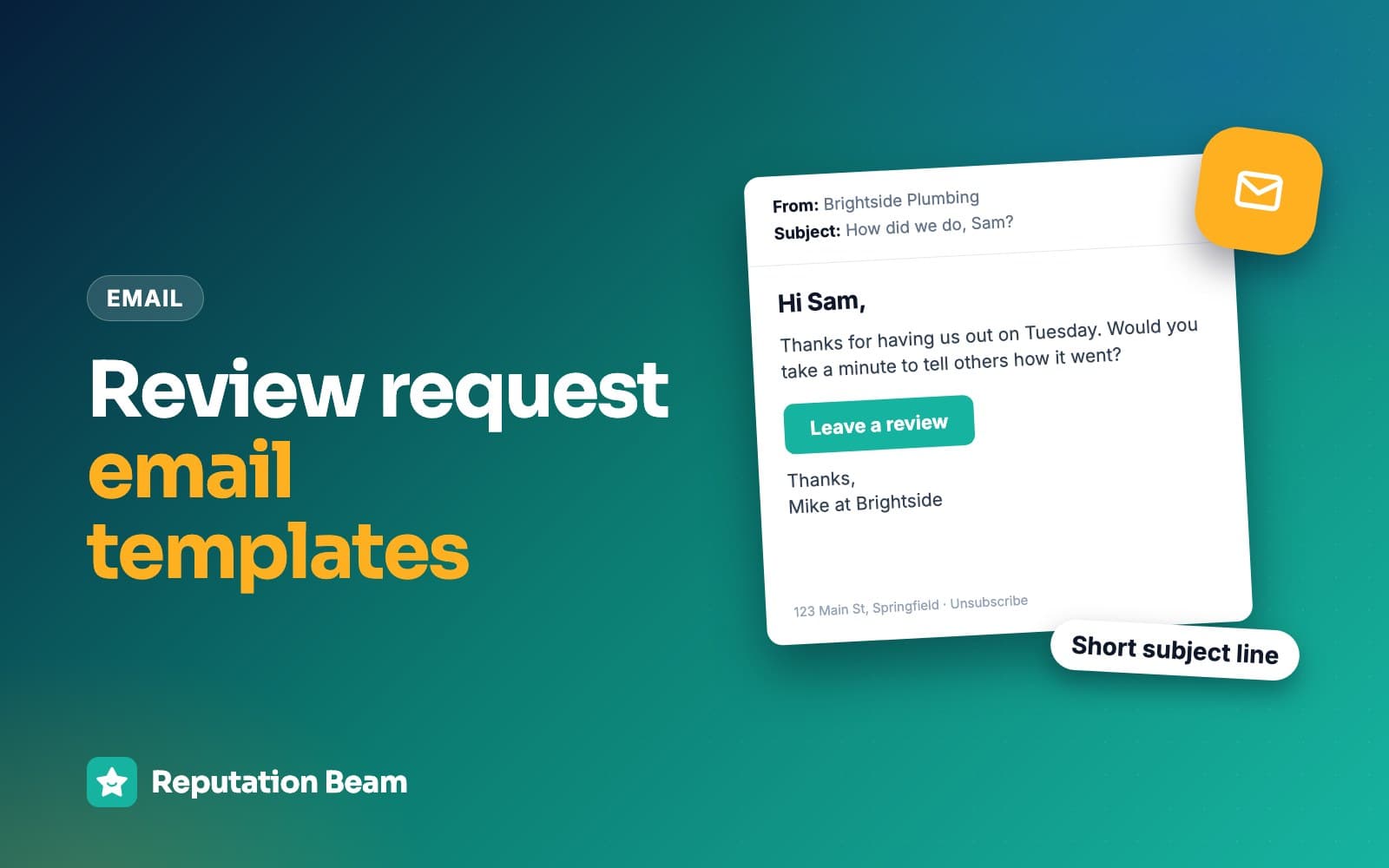
Email: catch-up to first customers who weren't asked
- To
- [Customer email]
- Subject
- Would you review [Business name] on Google?
Hi [First name],
Thank you for being one of the first customers at [Business name]. We opened on [date], and we're asking everyone who has come in so far for an honest review on Google. It takes a minute or two and helps other people nearby find us.
Leave a review: [review link]
Thanks for giving a new business a try, [Your name]
[Business name], [street address, city, state, ZIP]. Don't want emails like this? [unsubscribe link]
The FTC's CAN-SPAM compliance guide says a commercial email must include "your valid physical postal address" and a clear way to opt out, and that "The subject line must accurately reflect the content of the message." Whether a review request counts as commercial depends on its primary purpose, so including both every time is the safe habit. This is general information, not legal advice. Review request email templates has more versions.
If you have a team, this is also the week to give everyone one sentence to use with every customer.
Team script: the one sentence everyone uses
"Thanks for coming in. We're new, and reviews help people find us. Would you leave us an honest review on Google? The link's on your receipt, or I can text it to you."
Don't give staff a target. Google's policy lists "Merchants requesting that staff solicit a certain number of reviews" among the things it does not allow.
Reply to every early review
Reply to each review within a day or two, good or bad, in a few specific sentences, with no private details. On a profile with five reviews, the next person deciding whether to try you can read every reply in a minute.
Google's tips for replying say "As best practice, reply to reviews and share your perspective," and suggest that "Instead of sending the same "thank you" to everyone," you focus on what you can usefully add. Its page on replying to reviews says replies "usually take up to 10 minutes to review, but sometimes a review can take up to 30 days," so don't worry if yours doesn't appear right away. Here are two made-up early reviews with replies.
Dev K.
GoogleFound this truck by accident on my lunch break. The pork buns were great and the line moved fast. Will be back Thursday.
Reply from Lucky Steam Food Truck (example)
Thanks, Dev. You found us in our second week, so this means a lot. We'll have the pork buns ready Thursday.
Alana R.
GoogleLoved the cut, but I waited 25 minutes past my appointment time and nobody told me why.
Reply from Studio Fern Salon (example)
Thank you, Alana, and I'm sorry about the wait. We ran behind in our first week and should have told you. We've added more time between bookings so it doesn't happen again. Glad you liked the cut.
A three-star review in your first month feels like a disaster. It usually isn't. Google's tips page says "A mix of positive and negative feedback often feels more trustworthy" (Google Business Profile Help). For more examples, see how to respond to positive reviews, how to respond to a 3-star review and how to respond to negative reviews.
What not to do when you have zero reviews
Each shortcut below is tempting in the first month, and each breaks Google's rules, the FTC's rule or both. This is general information, not legal advice; state laws can add their own rules, so talk to a lawyer about anything that matters to your business.
| Shortcut | Why it's tempting now | What the rules say |
|---|---|---|
| Friends and family review you | They want to help and they're asking how | Google prohibits conflict-of-interest reviews, including family |
| Staff post reviews | They know the business best | Google counts current or former employment as a conflict |
| Swapping reviews with other owners | Your networking group is doing it | Google lists professional affiliations as a conflict; Yelp says don't review peers |
| A discount or prize for reviewers | You're running opening promotions anyway | Google bans incentives for any review |
| Buying a starter pack of reviews | Sellers promise a full profile fast | Banned by Google, illegal under the FTC rule |
| Asking only the customers who loved it | The first reviews feel high-stakes | Google bans selectively soliciting positive reviews |
Friends and family
Google's Maps user contributed content policy prohibits content "based on a conflict of interest," and gives "familial relationships" and "other professional or personal affiliations" as examples. Under the FTC's rule, a manager who asks relatives or employees for reviews can be in violation when those reviews are posted without disclosing the relationship and the manager didn't tell them to disclose it (16 CFR 465.5). On Google, don't ask them. Ask them to tell people about you instead.
Your staff
The same Google policy lists "current or former employment" as a conflict of interest, and Yelp's guidelines say not to review "your own business or employer." Their job in the first month is asking customers. Can employees leave Google reviews? covers the edge cases.
Review swaps with other business owners
Someone in every networking group suggests trading reviews. Google's policy says a conflict of interest can include "a contractual or consultory relationship" and "industry competitors," and it prohibits reviews "paid for, directly or in kind." A review traded for a review is a review given in exchange for something. Yelp's guidelines say not to review "your peers or competitors in your industry" or "businesses in your networking group." Trade referrals with other owners if that suits you, and leave reviews to customers.
Discounts, giveaways and opening-day prizes
Google says businesses may not offer incentives "such as payment, discounts, free goods and/or services" in exchange for "posting any review." That covers any review, positive or negative. The FTC's rule makes it illegal to give "compensation or other incentives in exchange for, or conditioned expressly or by implication on," reviews expressing a particular sentiment (16 CFR 465.4). An opening-day discount for everyone is fine (Google's opening-date page suggests posting one) as long as it has nothing to do with reviews. Can you offer incentives for Google reviews? goes deeper.
Buying reviews
The FTC's rule makes it illegal for a business to write, create or buy reviews that misrepresent whether the reviewer exists or had any experience with the business (16 CFR 465.2). Google's policy prohibits "Reviews or ratings that have been paid for." The FTC fake review rule explains the rest of it.
Asking only the customers you expect to be happy
When the first ten reviews feel decisive, it's natural to ask only the smiling customers. Google's policy says merchants may not "selectively solicit positive reviews from customers," and the FTC's guide for businesses says "Don't ask for reviews only from customers you think will leave positive ones" (FTC). Google's review policy for businesses collects all of these rules in one place.
Here is what the tempting version of each message looks like, and what to send instead.
Before
Leave us a 5-star review and get a free coffee on your next visit!
After
Would you leave an honest review on Google? [review link]
Google prohibits free goods in exchange for a review, and naming the stars tries to influence the rating.
Before
Family group chat: We're open! Can everyone go leave us a review?
After
Family group chat: We're open! Come by this week, and tell anyone who needs a plumber.
Reviews from relatives are a conflict of interest. Word of mouth from them is welcome.
Before
Networking group: I'll review yours if you review mine.
After
Networking group: Happy to send customers your way when it's a good fit.
Google lists professional affiliations as a conflict of interest, and Yelp says not to review your networking group. Referrals are a different thing.
Before
Loved your first visit? Review us! Not happy? Call us first.
After
Thanks for visiting. Would you share how it went? [review link]
Steering unhappy customers away from the review form is selective soliciting.
What happens if Google finds fake or incentivized reviews
Google's page on Business Profile restrictions for policy violations says that a business that breaks its fake engagement policy may be blocked from receiving new reviews for a set period, may have its existing reviews unpublished for a set period, and may show a warning on its profile telling people that fake reviews were removed. The fake reviews themselves are removed too. Google says it emails the business before a restriction is applied, and that the business can appeal.
How long it takes to get your first Google reviews
It depends on how many customers you serve and whether every one of them is asked. A cafe or salon serving dozens of people a week can see reviews in the first few days. A remodeler or a new agent with one or two clients a month may wait weeks, and that is normal.
Some delay is Google's, too. Its page on missing or delayed reviews says "Reviews are checked to ensure they comply with our policies" and that "In some cases, this process might take a few days." It also says reviews removed for policy violations won't be restored. If a review you expected doesn't appear after a few days, read why Google reviews don't show up.
The number you control is how many customers you asked. Track that next to reviews received, week by week. Here is a made-up salon's first month.
| Week | Clients served | Clients asked | New reviews |
|---|---|---|---|
| 1 | 18 | 18 | 2 |
| 2 | 31 | 31 | 5 |
| 3 | 40 | 33 | 3 |
| 4 | 44 | 44 | 6 |
The numbers are invented to show the method, not a benchmark. The useful line is week three, where seven clients on a busy Saturday weren't asked; the catch-up email reaches them, and the team sentence makes a repeat less likely. Comparing yourself with a shop that has been open ten years tells you little. How many Google reviews do you need? explains a better way to set a target.
Every customer
Who gets asked, in the same words
Same day
When the link goes out, as a rule of thumb
1 reminder
A short nudge a few days later, then stop
The first 30 days at five new businesses
How to get reviews for a new business looks the same in every trade. What changes is where the ask happens and who says it. All five businesses below are made up.
New plumbing company
Northgate Plumbing
Started verification three weeks before the first job and hid the address as a service-area business. Omar asks at the door once the work is tested, then texts the link. The invoice carries the same line for customers who weren't home.
Dental office opening
Maple Street Dental
Set an opening date months ahead and posted build-out photos. The front desk asks every patient at checkout, and the follow-up text says "your visit" and nothing more. Replies never confirm that a reviewer is a patient.
Salon
Studio Fern
Held a public soft opening on its real opening date. Every stylist uses the same sentence at checkout. No stylist has a review target, and nobody asks clients to mention a stylist by name.
Food truck
Lucky Steam
QR code on the serving window and a short link on every receipt. The owner asks during slow moments, never mid-rush. The opening-week discount is for everyone and has nothing to do with reviews.
Newly licensed real estate agent
Jordan Reyes
Has no past clients and is tempted to ask friends instead. Jordan calls each client a few days after closing, asks for an honest review and emails the link. The first review may take a couple of months, and that is fine.
The realtor and dentist cases have their own guides: how to get Google reviews as a realtor and how to get more Google reviews for your dental practice. Salons can read how to get more salon reviews.
Common mistakes in a new business's first month
Most first-month mistakes are waiting too long to start, asking only some people, or taking a shortcut.
Do
- Start verification before opening day
- Ask your first paying customer the same way as your fortieth
- Put the link on every receipt and invoice from week one
- Keep a list of who you served and who was asked
- Reply to every review, including the three-star one
- Run opening promotions for everyone, separately from reviews
Avoid
- Wait a month to start asking because the place isn't perfect yet
- Ask friends, family, staff or your networking group for reviews
- Offer a discount, free item or prize entry for a review
- Ask only the customers who seemed happiest
- Send customers to Yelp to review you
- Panic and stop asking after one critical review
Your first 30 days
0 of 12 done
Where Reputation Beam fits
Everything in this plan works with a phone, a notebook and your review link. The hard part is keeping it up once the opening rush ends.
Reputation Beam sends review requests by text and email from one dashboard. You add customers one at a time or import a CSV file, each customer's permission to be texted is recorded, and a hosted opt-in form with a QR code lets customers give that permission themselves. Each request carries its own link that expires after 72 hours, and the default text ends with "Reply STOP to opt out." Reputation Beam registers your business for business texting (10DLC) with the carriers through Twilio. Google and Yelp reviews show up in one feed, and you can reply to Google reviews from there. Every Reputation Beam plan starts with a 14-day trial and sends requests by text and email.
Keep going
Once the first month is behind you, how to get more Google reviews without breaking the rules picks up where this plan stops. For the wording itself, how to ask customers for reviews has templates for many more kinds of business, and the rules for texting customers covers consent and opt-outs before you send your first text. When the first critical review arrives, how to reply to Google reviews and how to respond to negative reviews show what to write. If your profile isn't verified yet, how to claim and verify your Google Business Profile comes first, because Google requires verification before you can reply.
Questions people ask
How long does it take a new business to get Google reviews?
It depends on how many customers you serve and whether you ask every one of them. A salon or cafe serving dozens of people a week can see its first reviews within days. An agent or contractor with a few big jobs a month may wait several weeks. Google also checks reviews against its policies, and it says that in some cases this can take a few days.
Can friends and family leave Google reviews for my new business?
Don't ask them. Google's policy prohibits content based on a conflict of interest, and it lists familial relationships and personal affiliations as examples. The FTC's guide for businesses says not to ask family and friends for reviews, and its rule can make a manager liable when relatives or staff they asked post reviews without disclosing the relationship. Friends and family can help in other ways: telling people about you, sharing your posts and sending customers your way.
Can customers review my business before it opens?
Google's page on opening dates says people can't post reviews or photos on your Business Profile until your business is officially open. If you enter a future opening date and verify, your profile shows up on Google 90 days before that date, and you can post updates and photos in the meantime. Send your review link to customers once you are open.
Do I need to verify my Google Business Profile to get reviews?
Verify before you start asking. Google says you must verify your business before you can reply to reviews, and verification is also how you get to edit your business information. Verification can take up to 5 business days after you submit, and Google says most postcard codes arrive within 14 days, so start before opening day.
Is it OK to swap Google reviews with other local business owners?
Don't. Google's policy doesn't name swaps, but it prohibits reviews based on a conflict of interest, which it says can include professional affiliations and industry competitors, and reviews paid for directly or in kind. Yelp's guidelines are direct: don't review your peers, competitors or businesses in your networking group. Trade referrals with other owners if you like, and ask your own customers for reviews.
Can I offer a discount to get my first Google reviews?
No. Google prohibits offering incentives such as payment, discounts, free goods or services in exchange for posting any review. The FTC's rule makes it illegal to give incentives tied to reviews expressing a particular sentiment. Run your opening discount for everyone if you want one, with no link to reviews, and ask for reviews separately.
Why isn't my new business's first Google review showing?
Google says reviews are checked to make sure they comply with its policies, and that this can take a few days. A review can also be removed if it breaks a policy, and Google says those won't be restored. Merging two Business Profiles can delay reviews too. Give it a few days, then check again before you contact Google.
Was this guide helpful?
Get the free review request checklist and new guides
Twenty checks to run before you ask customers for reviews, as a one-page PDF. After that, a short email when new guides go up, at most once a week.